
Stop attacks in seconds, not days.
The Shield agent on every computer reports what is happening - programs, sign-ins, file activity, USB drives. When something looks like an attack, Shield phones your team and lets you cut the computer off the network with one click.
See it working
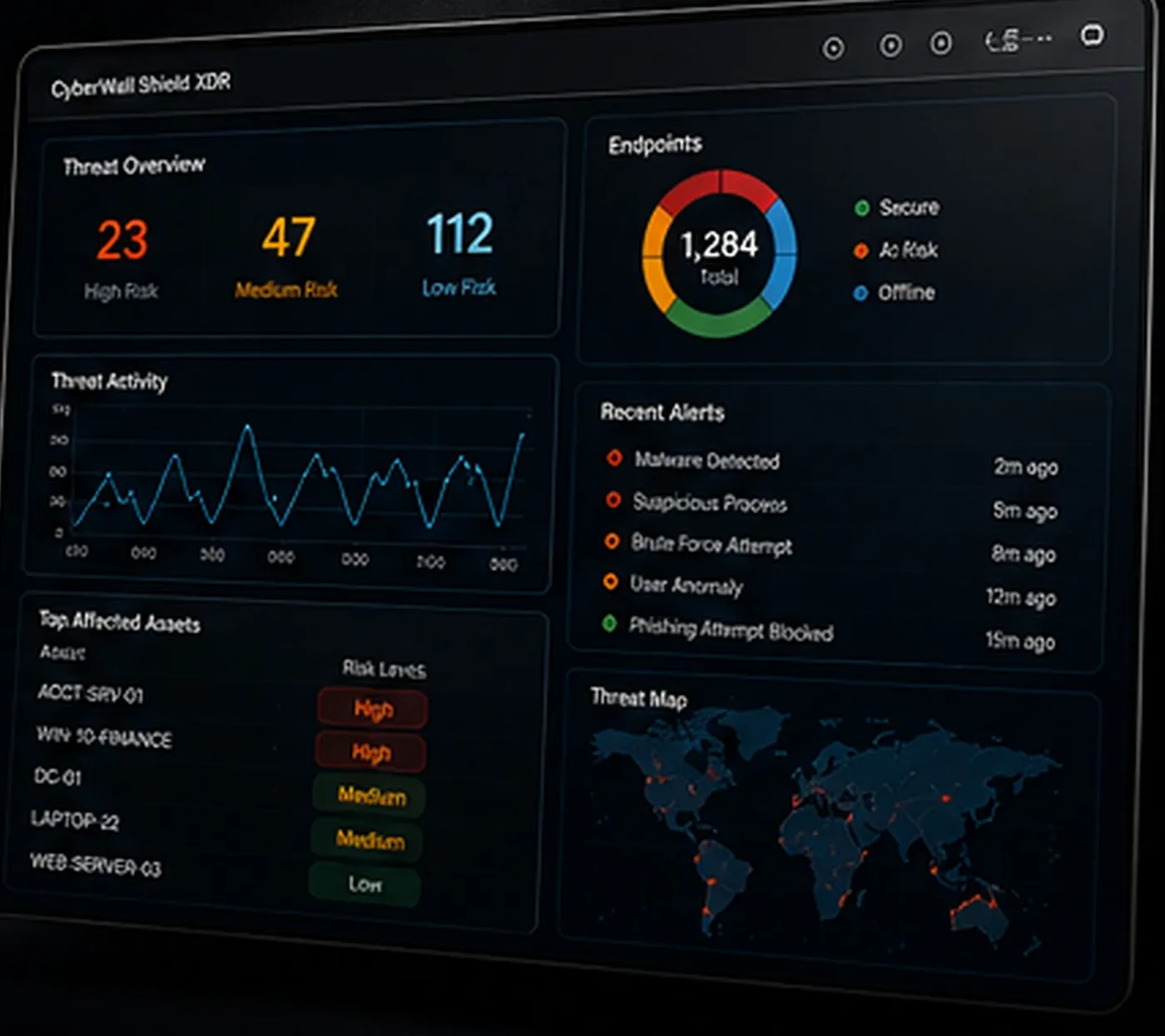
Click around - this is what you see when you sign in to CyberWall Shield. Open alerts, press the buttons, change pages from the menu.
This is the actual product.
Screens from CyberWall Shield as we use it every day. Client names and personal details are blurred. Click a screen to enlarge it.
From alert to recovered in one place.
- RansomGuard spots mass file encryption and renaming as it starts.
- Critical alerts call and text the people you choose, and appear in the phone app.
- Isolate cuts a computer off the network except for Shield - from the dashboard or the phone app.
- Incident page shows the whole timeline: what ran, which files changed, who signed in.
- AI summary explains the alert in plain English and suggests next steps.
- Trusted folders stop known-safe software from raising false alarms, with the reason recorded.
What Shield watches
Endpoint behavior
Processes, scripts and changes that let malware survive a restart.
Sign-ins
Windows and Microsoft 365 sign-ins, with locations.
Files and USB
File activity and removable drives - who copied what, and when.
Antivirus and firewall
Checked every day on every computer, with one-click fixes.
Vulnerabilities
Installed software matched against known vulnerabilities.
Audit trail
Every action by every user is logged.
Common questions
Does Shield replace my antivirus?
Shield works with Microsoft Defender, built into Windows, and checks every day that it is on and up to date. If you already use another antivirus, Shield monitors alongside it.
Who gets the alert at 2 a.m.?
The people you choose - your own IT staff or your IT provider. Critical alerts phone and text them, and show in the Shield phone app.
Does isolating shut the computer down?
No. It stays on, but can only talk to Shield, so it can be investigated and cleaned while it cannot spread anything.
Do you record keystrokes?
Never. Shield records security events and activity, not what people type.